This page was translated by AI. Please be forgiving of any mistakes.
‹ Photo Notes · 24 ledna, 2017
It’s popular to start articles like this with „people often ask me…„, but since I’m lazy and don’t have time to answer each time in detail, I allow myself to describe here completely my current photo setup: camera, lenses, lights, software and my entire workflow. Instead of a quick answer I’ll then send a link to an exhaustive report 🙂
Camera
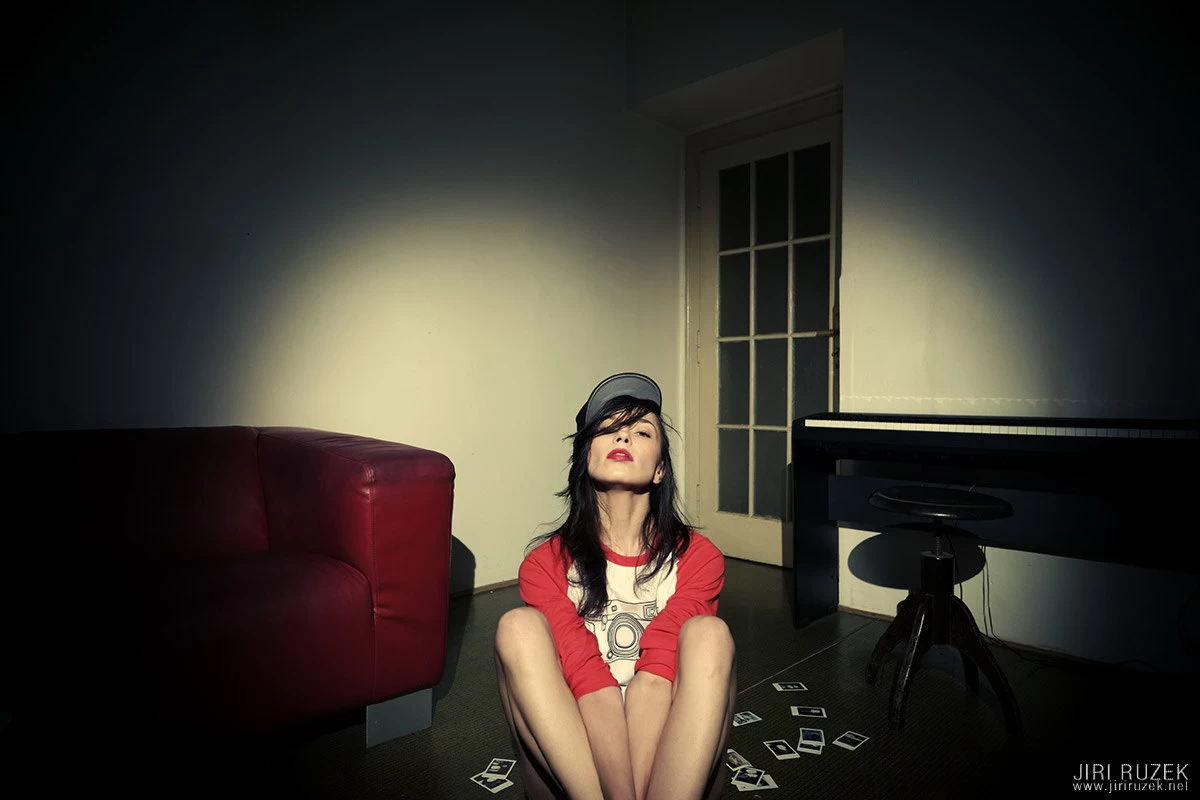
I’m still faithful to the Fujifilm X-E1 model from 2012. That is, I started using it at the end of 2013, a few weeks before the X-E2 appeared on the market.
The reason is simple. It does everything I need and does it well. Even at Fujifilm they have got used to me, and where they used to comment with a smile that I don’t have the newest model, they now take me rather as proof that even the first line of the X series was excellent and that these are still competitive workhorses.
The switch to a new model isn’t pressing me yet, but never say never 🙂
*UPDATE 8/2017 – a new camera as my main machine: Fujifilm X-E3
Lenses
I currently own 5 Fujinon prime lenses and several old manual glass pieces that I use occasionally, more for pleasure. Of the Fujinons these are:
- Fujinon XF 14mm/F2.8 – for working with space, or big deformation and stretching legs; I use it often, almost exclusively in landscape orientation (portrait orientation causes dangerous distortion)
- Fujinon XF 23mm/F1.4 – when I want to shoot long legs but don’t need such a wide field of view and deformation as with 14 mm; I mostly shoot this one in landscape orientation too
- Fujinon XF 27mm/F2.8 – my newest addition and at the moment probably the most popular lens, not only for its maximum compactness but also for a very pleasant and natural focal length, corresponding to 40 mm on full frame
- Fujinon XF 35mm/F1.4 – for me the most universal lens – pleasant and the most natural for portraits and the whole standing, sitting or lying figure. Minimal deformation, yet you can work skilfully with perspective. Just like the 27 mm, it’s the closest to reality as perceived by the human eye
- Fujinon XF 90mm/F2.0 – when I want to use the effect of a long lens – compressed perspective, achieving „slim“ proportions of the body
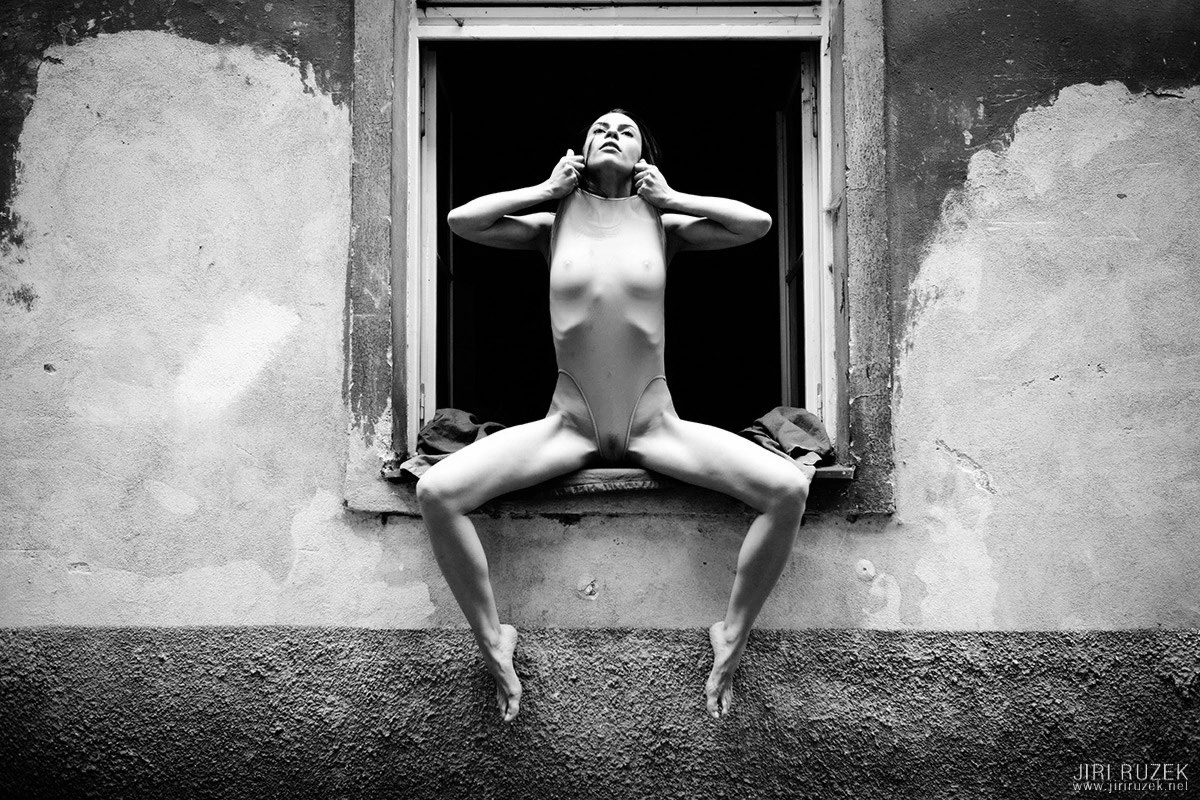
I sold the Fujinon XF 56mm/F1.2 about a year ago. It’s an excellent lens, but not for me; I had almost no use for it. My work is characterized by medium and short lenses and, occasionally, something long for contrast. And for that the 90 mm suits me far better.
Lights
Nothing has changed here for a long time either. In short, I use 3 kinds of light:
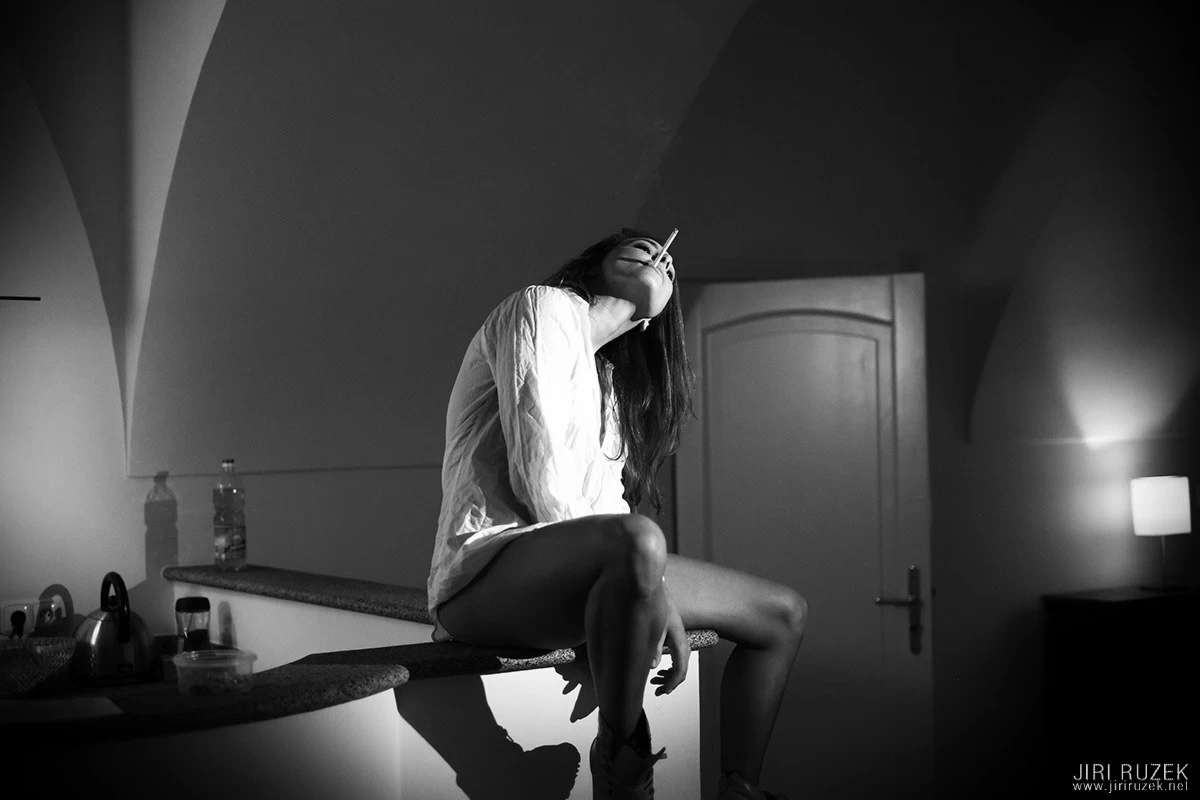
- Dedolight DLH4 – a continuous halogen point light with a „zoom“ and a dimmer and unrivalled optics. I use it for night, theatrical, cabaret, dramatic moods. I own two of them; most photos I take with one.
- daylight – no need to explain; I like soft light as much as sharp sunshine
- any other light – chandeliers, lamps, LED lights of various parameters, flash (even built-in), in short whatever is at hand. Modern cameras handle it effortlessly, and whoever has visited our workshops knows that light for 20 crowns can, used correctly, sometimes create a better atmosphere than light for 20,000.
Camera settings
While shooting I have everything (aperture, time, ISO) set manually. Only white balance is automatic, so please don’t ask me whether I use spot metering or something else. I meter manually and judge the correct exposure by a combination of the image I see in the electronic viewfinder and the histogram (also there in the bottom left corner). Thanks to this combination, unnecessary exposure tests and badly exposed photos practically disappear for me.
When I’m on holiday or at some event where I just want to „click and not worry“, I shoot with aperture priority and automatic time and ISO.
I set the time so that I can hold it (with a shorter lens I can afford longer times), the ISO so that it doesn’t needlessly get noisy (normally around 1000, only exceptionally above 1600 – on holiday, though, happily 6400) and the aperture as needed (often „wide open“).
I use autofocus (AF-S mode). The focus point is always set on the model’s eyes. After focusing I don’t have to turn the camera and so no rejects arise from a shifted focus plane. It also helps me „lock“ the composition, so even when I make several variants at different distances and angles, all these photographs have a very similar composition (I compose everything directly in the camera).
I keep the focus beep permanently on. It might seem that sound has no effect on the photo, but that’s not so. Models love it; it’s a signal for them to freeze and stop breathing. So the sound is visible in the photos too.
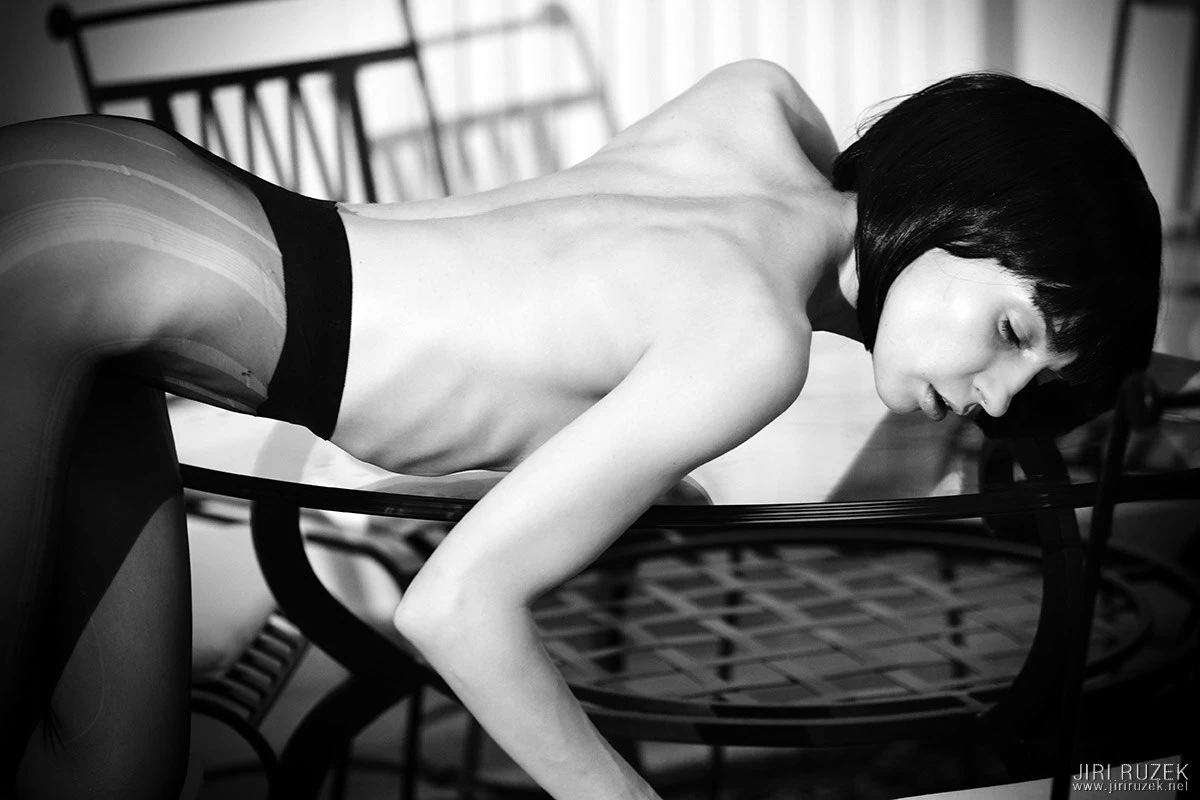
While shooting with a model, I talk the whole time.
I shoot JPG in the „PRO Neg. STD“ mode. This lower-contrast profile proved to be the most neutral for me and the most suitable for subsequent conversion to black and white. Thanks to proper exposure (see above), I don’t need to make major adjustments later, so I don’t even need RAW files. It speeds things up. There’s a connection with sharpening too, which I’ll cover in the part about photo editing.
On holiday and the like I mostly shoot in Standard mode (Provia simulation). It’s universal and I mostly get finished photos straight from the camera.
I shoot most photographs in landscape orientation; it gives me more room to tell the story.
Viewing, cataloguing and editing photographs
As a viewer and catalogue I use the program ACDSee Pro. I’ve been used to it for many years and I also do some smaller edits in it (mostly batch ones).
I use roughly this folder structure (example):
- Models
- #Books
- Honza’s Journey
- previews
- final version
- Little Bobeš
- Honza’s Journey
- #Prints
- CDE
- EFG
- #Exhibitions
- One exhibition
- Another exhibition
- Anna Nováková
- 2016-07-12 first in the park
- 2017-01-20 in the snow
- Bára Malá
- 2010-10-17 first pyjamas
- 2011-03-30 cat café
- 2011-07-05 by the water
- Edita Dlouhá
- 2013-06-08 first
- #Books
From ACDSee I send the selected photo or photos to an external editor (I can assign several and choose between them, e.g. Photoshop, Affinity Photo, Exposure…). I edit photos in their original resolution almost always in Alien Skin Exposure. It works standalone or as a plugin for Photoshop, LightRoom, Affinity Photo etc.
I do edits almost always only globally; I don’t retouch unless it’s absolutely necessary. When I need to lighten or darken some part, I make several variants in layers and mask them into each other (the equivalent of dodging and burning under an enlarger).
After finishing the edit I save the photograph as a copy with the name supplemented by BW or COL. I set the JPG quality to maximum.
For the web I reduce photographs to 1200×800 px. After reducing, they are too „digitally“ sharp, so I run them through Exposure again, where I have a preset for light softening. I then save this photograph with a JPG quality of about 70% and add 1200 (indicating the size) to the name. Finally, in ACDSee I add the watermark in batch.
For print I enlarge photographs to the required size (e.g. 90×60 cm) at 300 dpi. I don’t sharpen further. I save with full quality and add the size to the name (e.g. DSC001 60×40).
Once a week my photos are automatically backed up to a second drive.
This is roughly what my whole workflow mostly looks like. If you want to experience it and go through it in practice, drop by our workshop.
I hope this article was useful to you. If so, I’ll be glad if you share it (since I’m writing about it :))
Have a nice day
Edit 2026 – after so many years there’s no point in listing everything that has changed; hopefully I’ll get to a new, up-to-date article some day.