This page was translated by AI. Please be forgiving of any mistakes.
‹ Photo Notes · 21 srpna, 2014
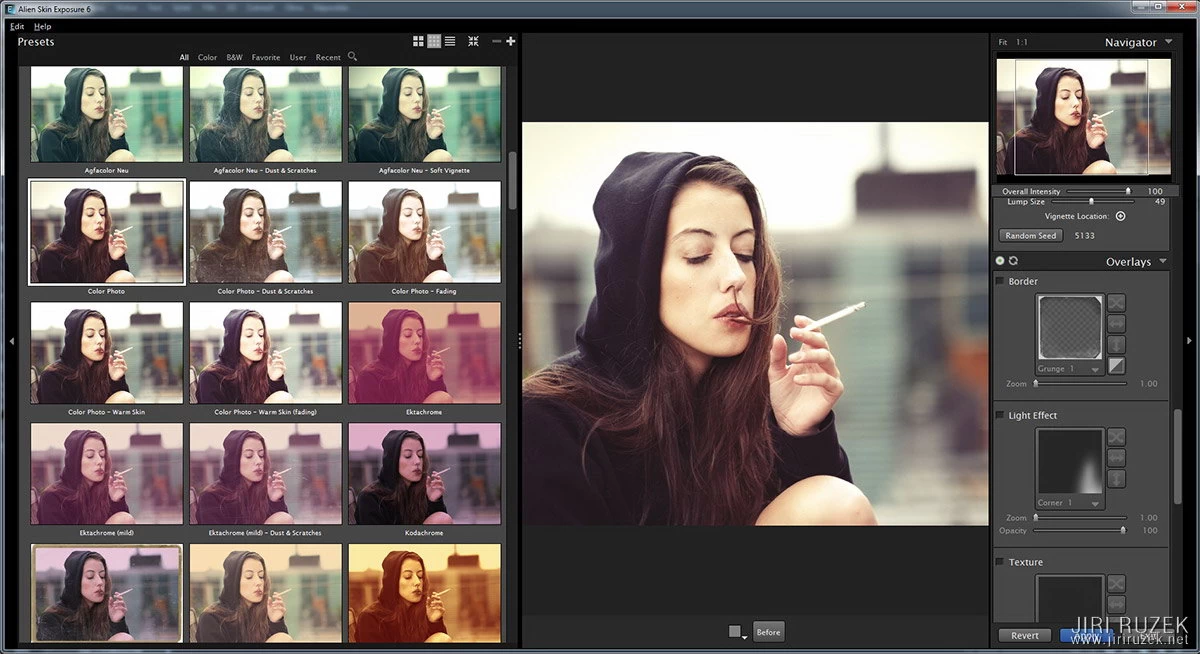
Whenever the talk turns to editing my photos, I have to explain that I really don’t spend hours over them, but minutes. Among my favourite editing tools is Alien Skin Exposure.
Long ago I would edit a photo for, say, three nights, and the result was, from today’s point of view, pitiful. Partly it was down to imperfect technology (cheap lenses, imperfect cameras), partly to my own mistakes.
After a time it dawned on me that I enjoy natural-looking photos, and gradually I stopped retouching unless it was absolutely necessary, and I limited other edits to a simple, quick conversion to black and white or, exceptionally, lightly adding tone and mood to a colour photo.
One of the most common tutorials on how to make a colour photo black and white is by mixing channels. Anyone who wants can of course play with that, but there are other tools, and finishing a photo isn’t only about converting to a greyscale. The constantly improving quality of digital photos is of course great, but that perfection often brings a certain boredom, and it is good to give photos something extra (paradoxically, sometimes to take a little of that sterile quality away).
Over the years I’ve tried a number of different filters and Exposure by Alien Skin suits me best of all to this day.
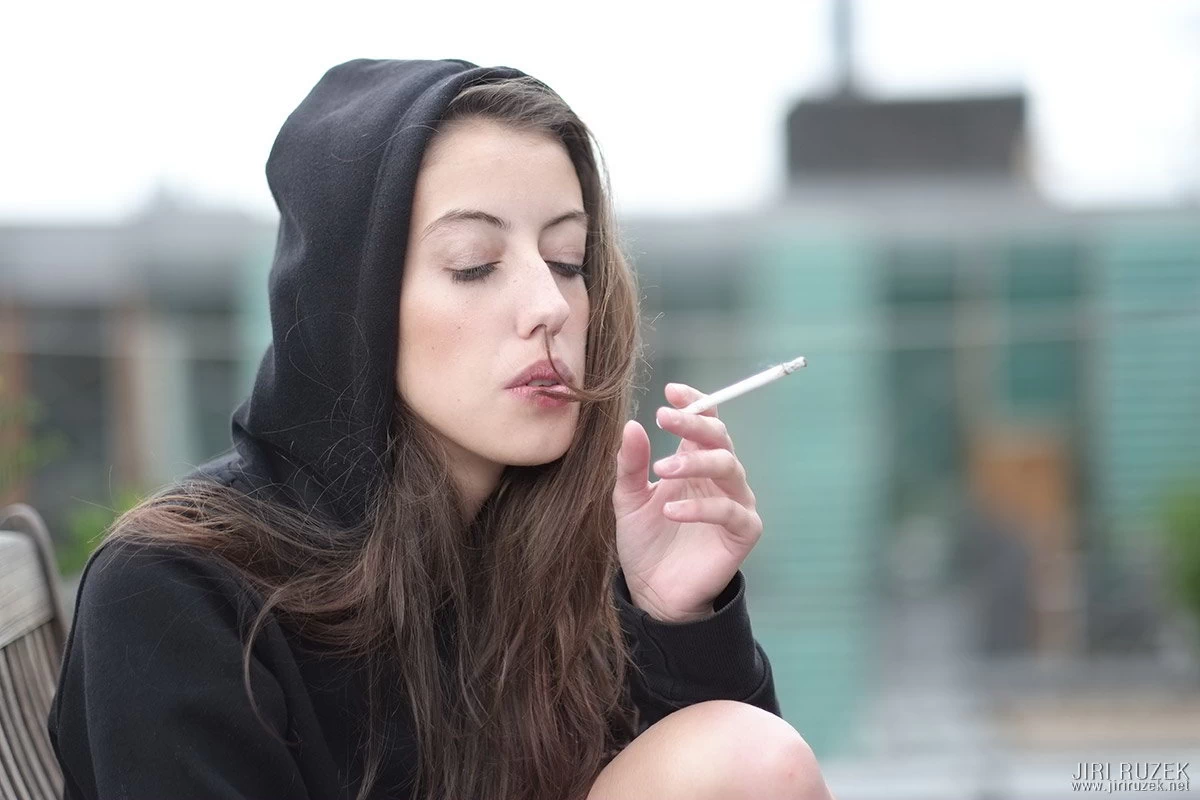
I’m lazy and don’t want to spend long on editing. It takes me a long time to choose a photo, but the editing itself today takes almost no time in the vast majority of cases. If I don’t have to fix exposure errors or have no special requirements, it is sometimes literally a matter of a single click.
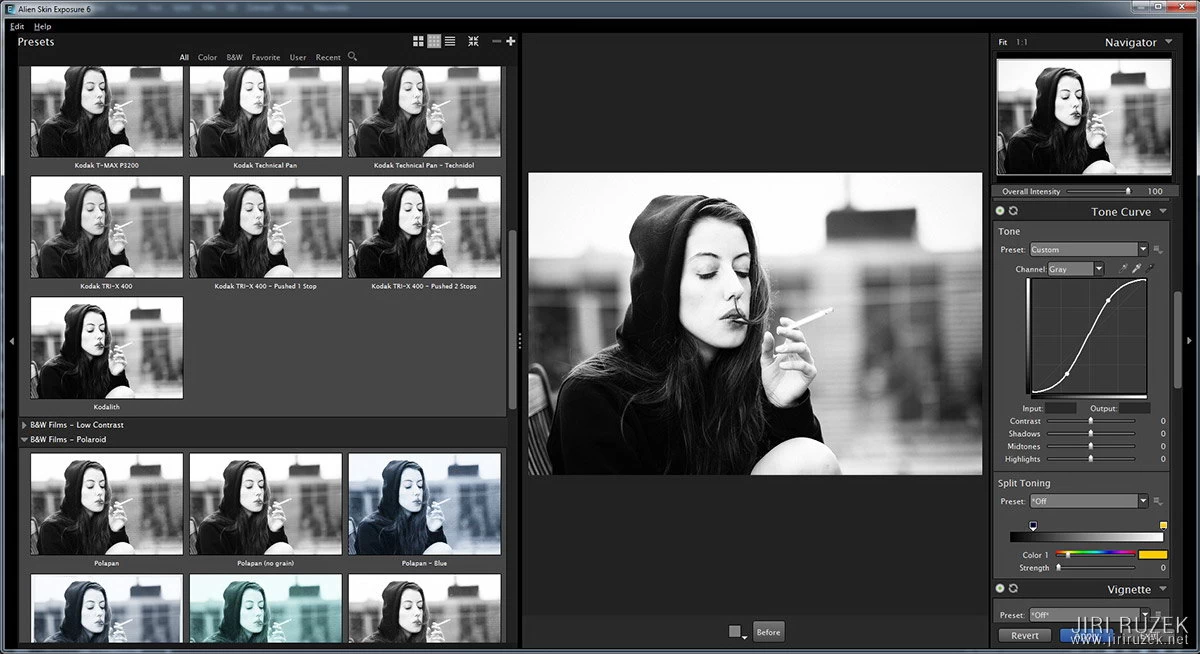
Exposure offers hundreds of preset filters, among which are pleasantly realistic simulations of many popular colour (positive and negative) and black-and-white films, various retro techniques such as daguerreotype, calotype, films developed by the „cross“ process, Polaroids, Holgas, infrared etc. It isn’t a set of silly presets, though; all the parameters of the photo remain fully under your control. So you can fine-tune exposure, contrast, curves, channels, sharpness, grain etc.
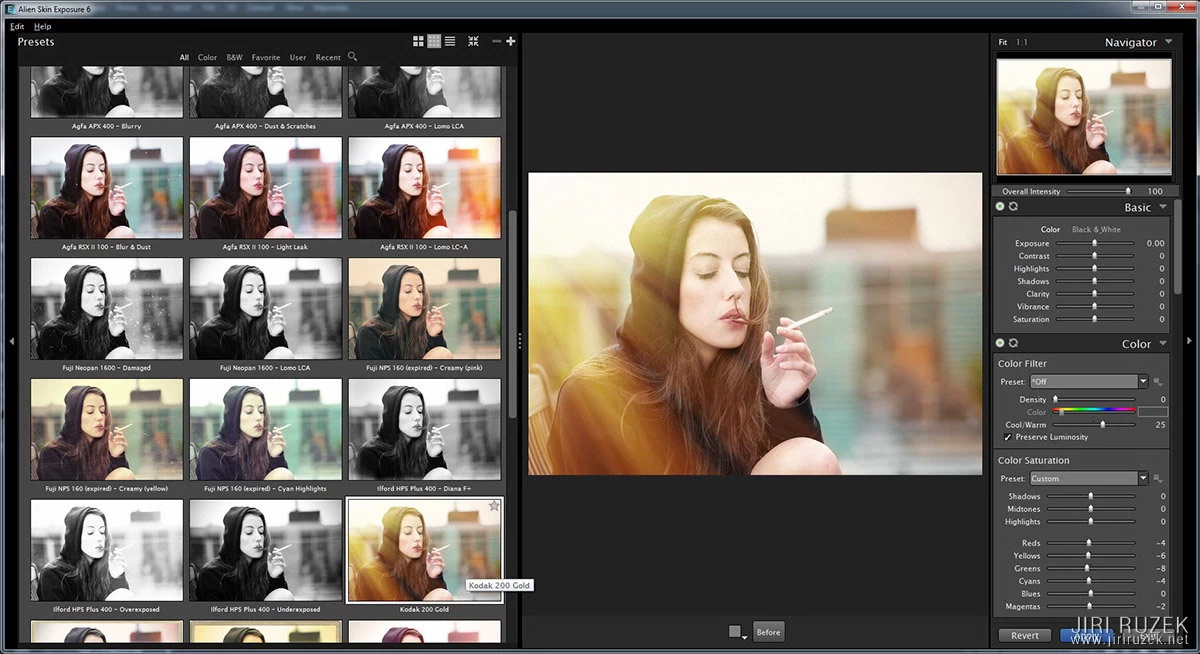
If you care for effects, light leaks, dust and scratches or various kinds of frames are available. You can also import your own textures and easily apply them to photos. The results again look natural and realistic.
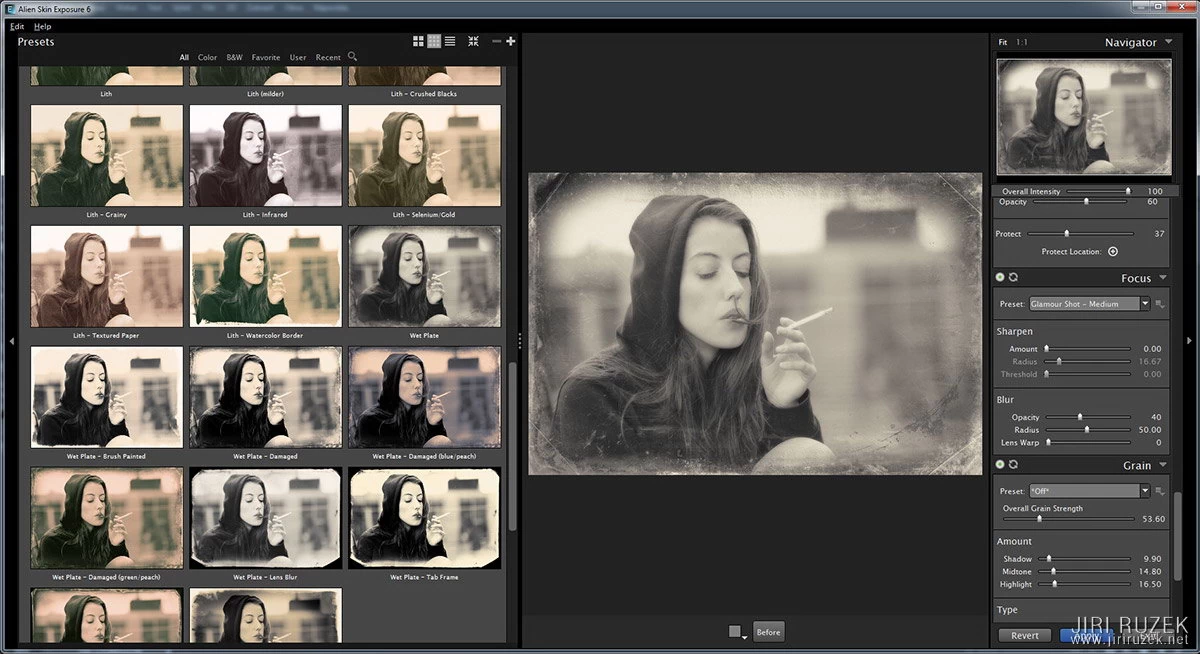
In Exposure it is easy to add or remove vignetting, add film grain, sharpen a photo and at the same time blur it, or rather soften it. A gentle softening at the edges of the photo gives a very analogue mood. You can also play with the photo’s „bokeh“ (I’ve never used it so far, I prefer the „less is more“ approach).
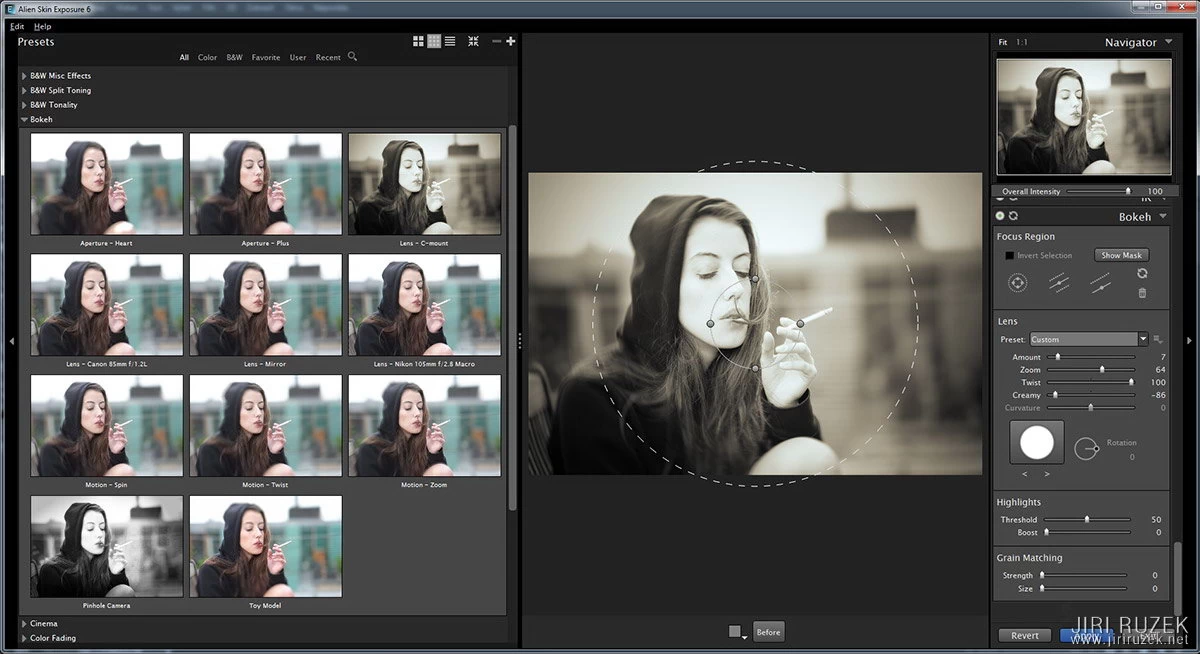
You can add frequently used effects to „favourites“ and save your own presets.
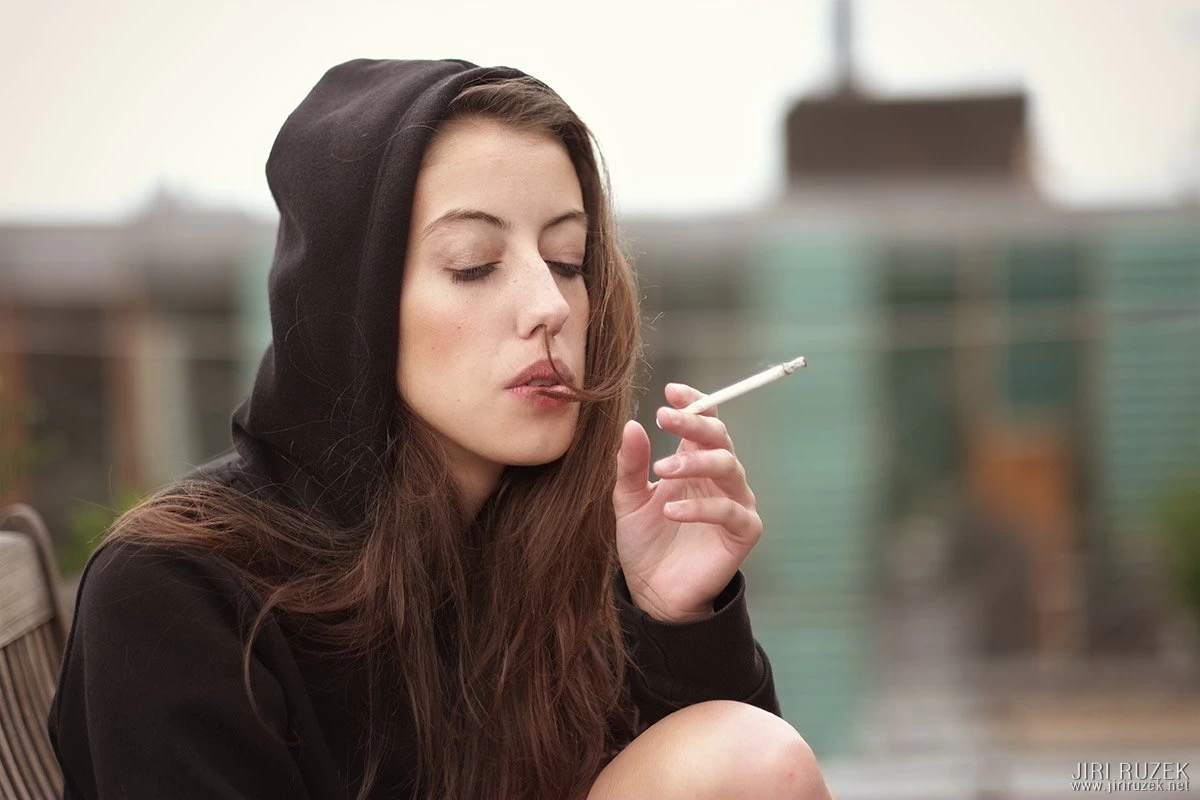
The latest version of Exposure is number 6 and runs as a plug-in for Photoshop, Lightroom and Aperture (Apple only), or newly also as a standalone program. The regular price is 149 USD; as part of a summer promotion (I have no idea when it ends) it can be bought for 96.85 USD. Anyone who wants can try a time-limited but otherwise fully functional trial version.
Information, samples and the trial or full version at the Alien Skin website.